Make your Yoto cards,
your way.
Create, publish, and share Yoto Make Your Own audio cards from your own server. AI cover art, audio transcoding, and direct publishing in one open-source tool.
Open source · Self-hosted · MIT
What you need to self-host
- A server or home box (a spare Raspberry Pi 4 or any VPS is enough)
- A Yoto family account
- An AI provider key (OpenAI, Anthropic, or Ideogram) for cover art and stories
The "why" behind this
Built for our family, open for yours
I wanted to record myself reading books to my kids and have those recordings live on Yoto cards they could play whenever they wanted. Not a podcast. Not a shared link. An actual card they pull off the shelf and tap.
I also wanted to make cards for both kids at once: record something once, generate a cover that fits the story, and push it to all the family accounts in a single step. The official Yoto app handles one account at a time, and the Make Your Own flow is designed for occasional use, not for a parent who is building a whole library.
So I built YotoShelf. Record in the browser. Let AI write a story tailored to each child's interests and read age. Generate the cover and track icons. Then hit publish and it lands on every linked account at once. That is the whole idea.
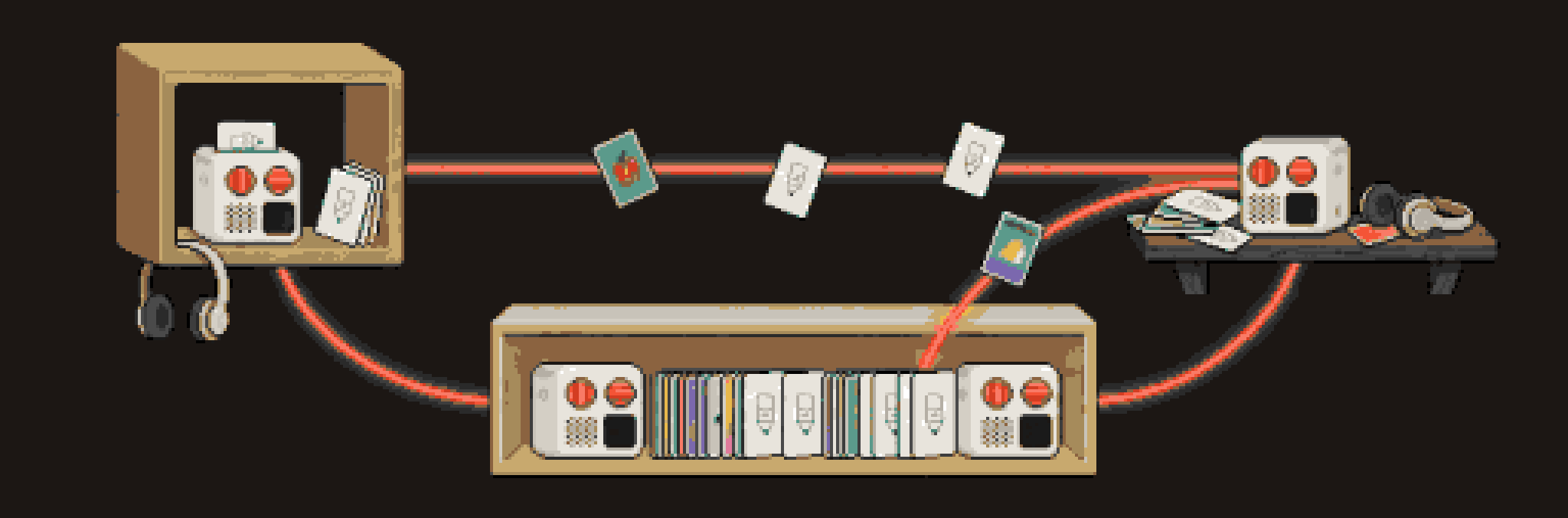
One action publishes a card to every linked Yoto account in your family.
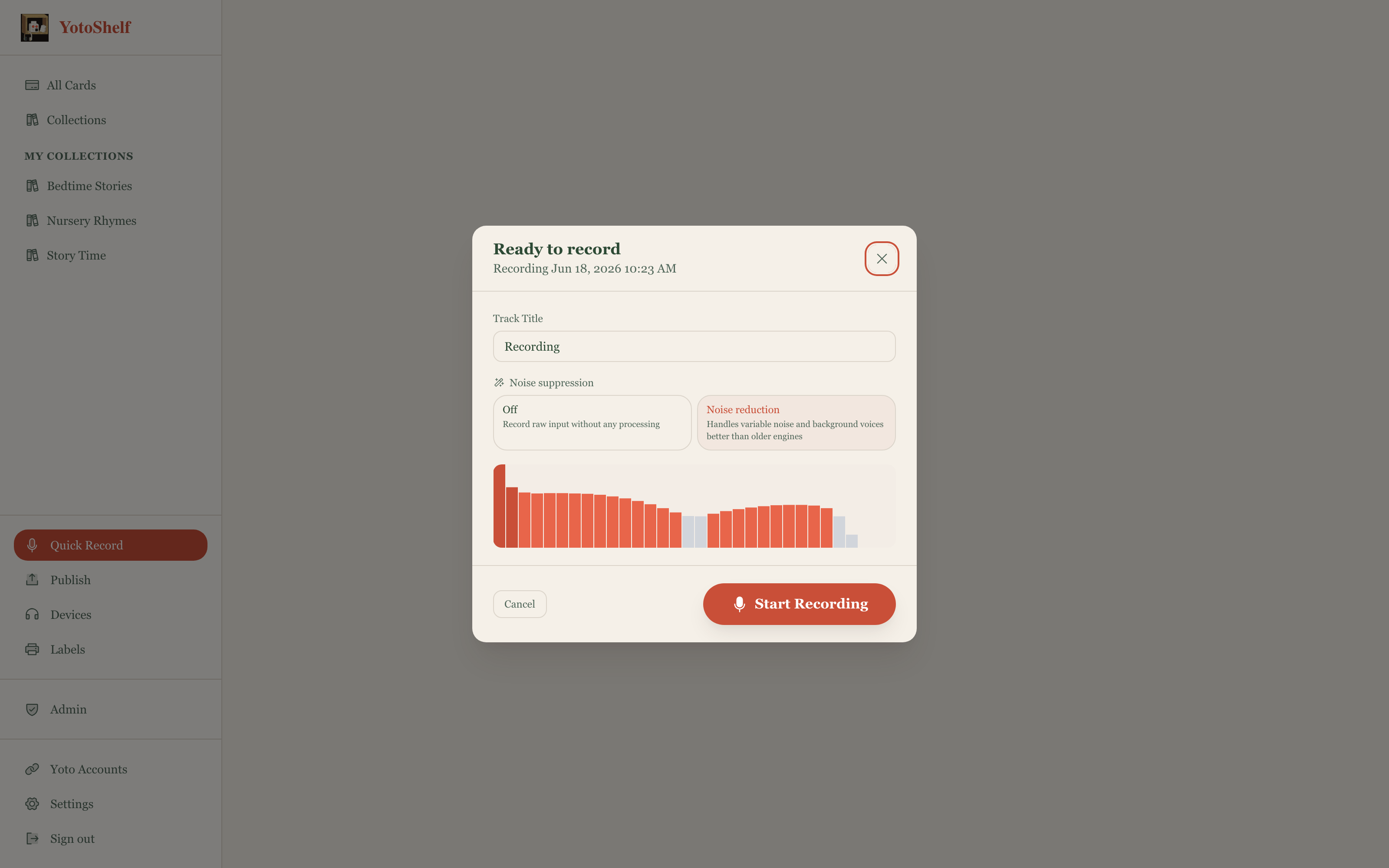
Record directly in the browser. Built-in noise reduction, no extra software.
AI generates a story, a cover, and per-track icons from a per-child profile.
See it in action
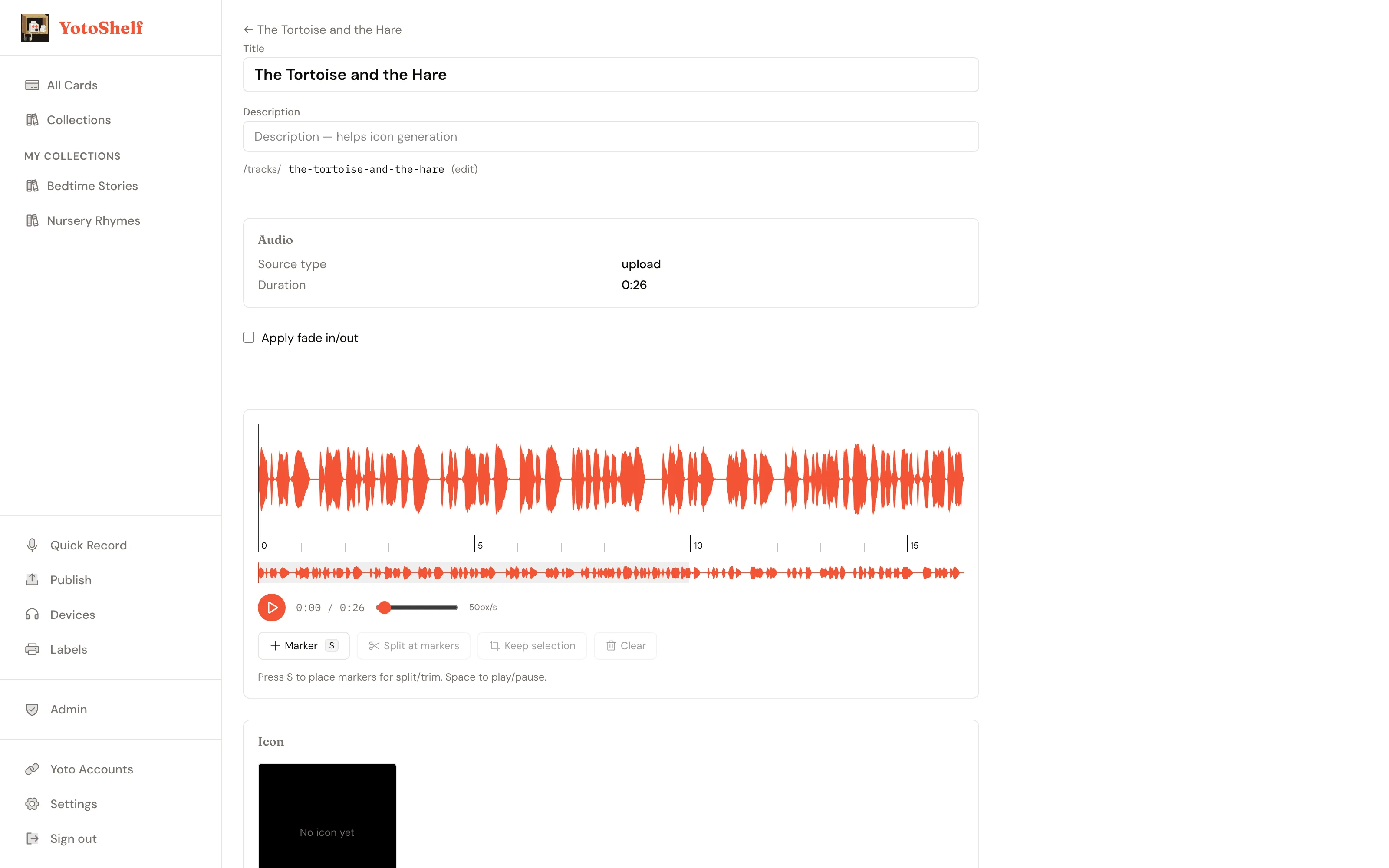
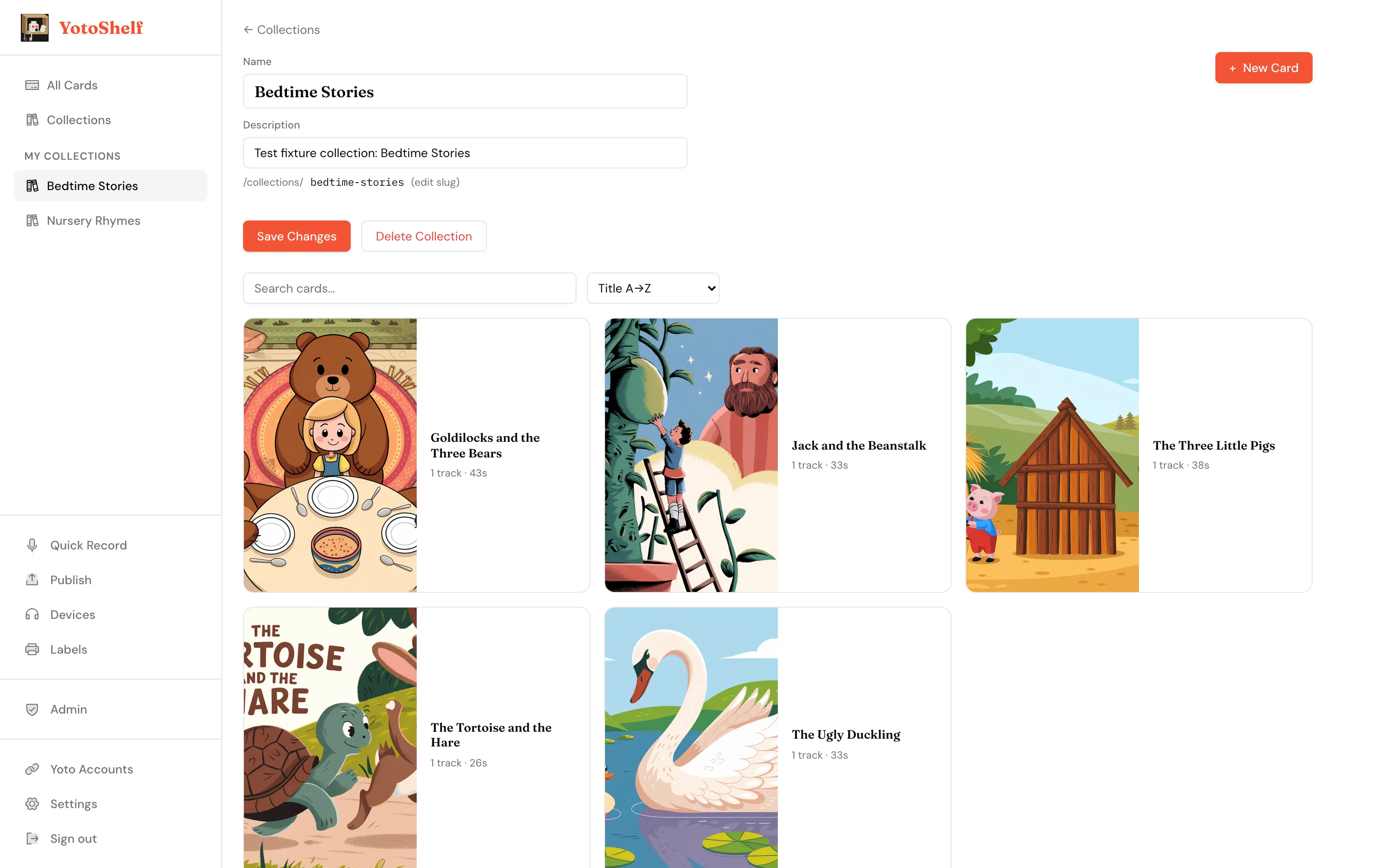
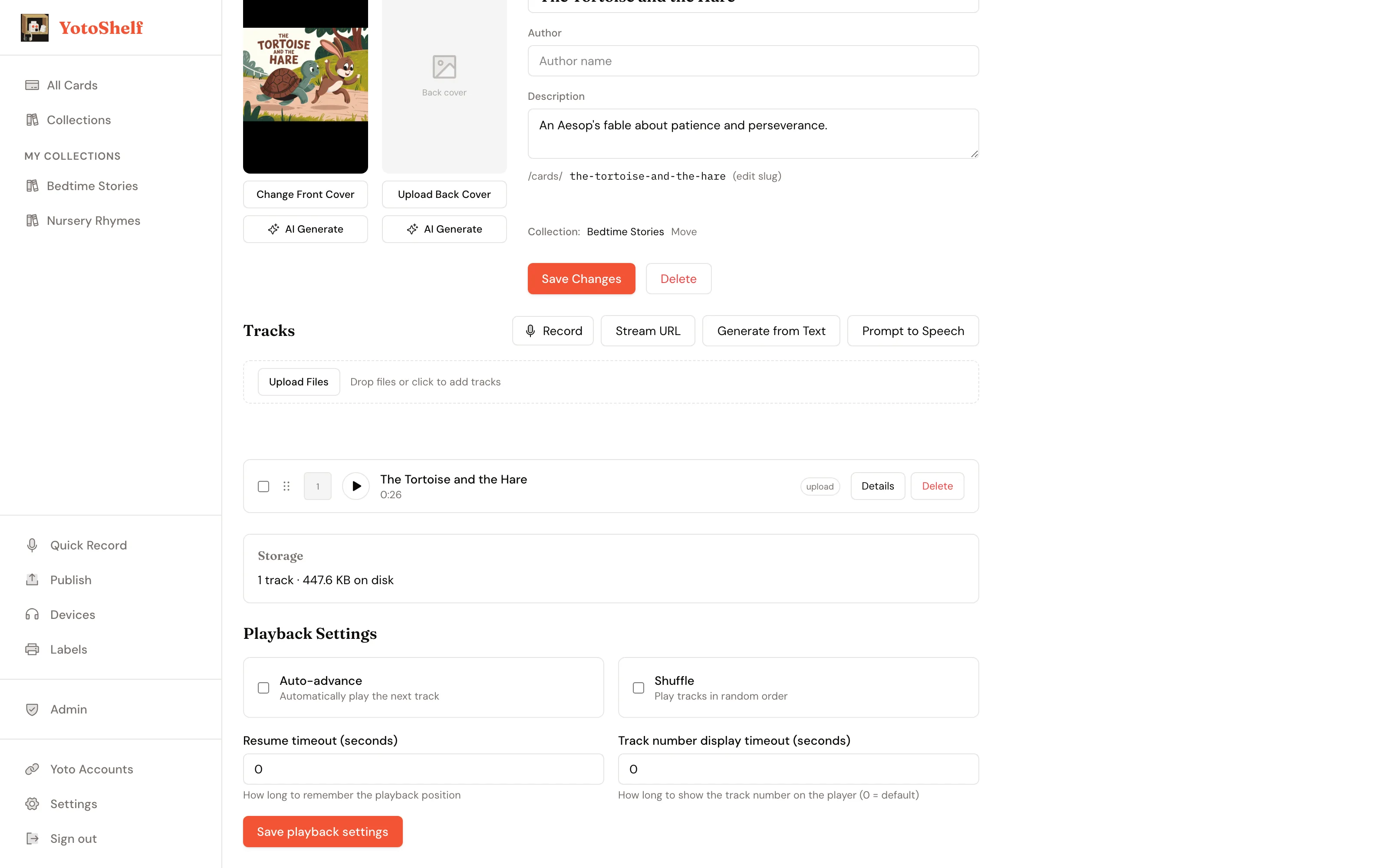
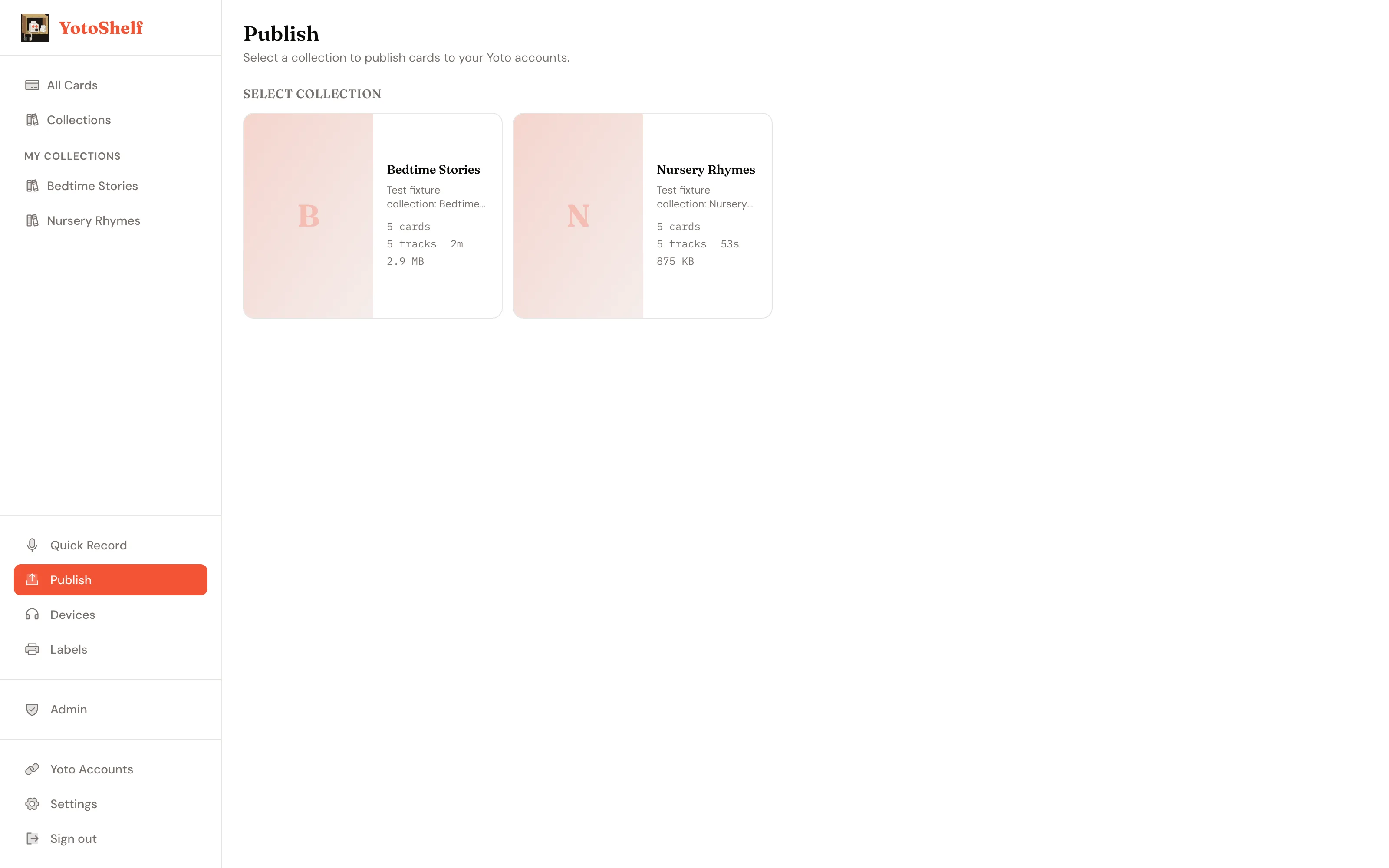
Your library, your covers
From idea to card in four steps
1
Create and record
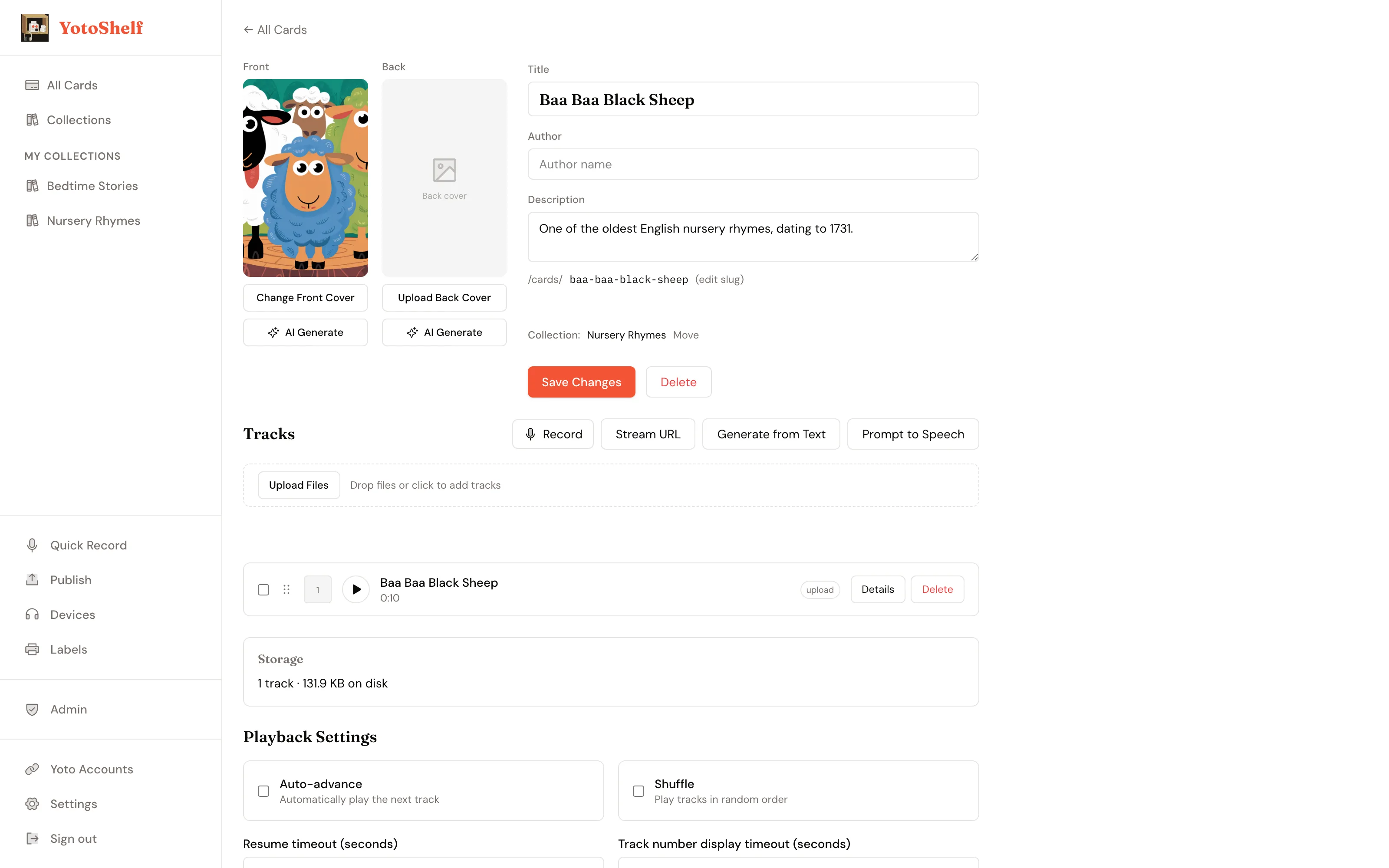
Add a card, record audio straight from the browser, or upload existing files. Built-in noise reduction cleans up the recording.
2
Generate art and story
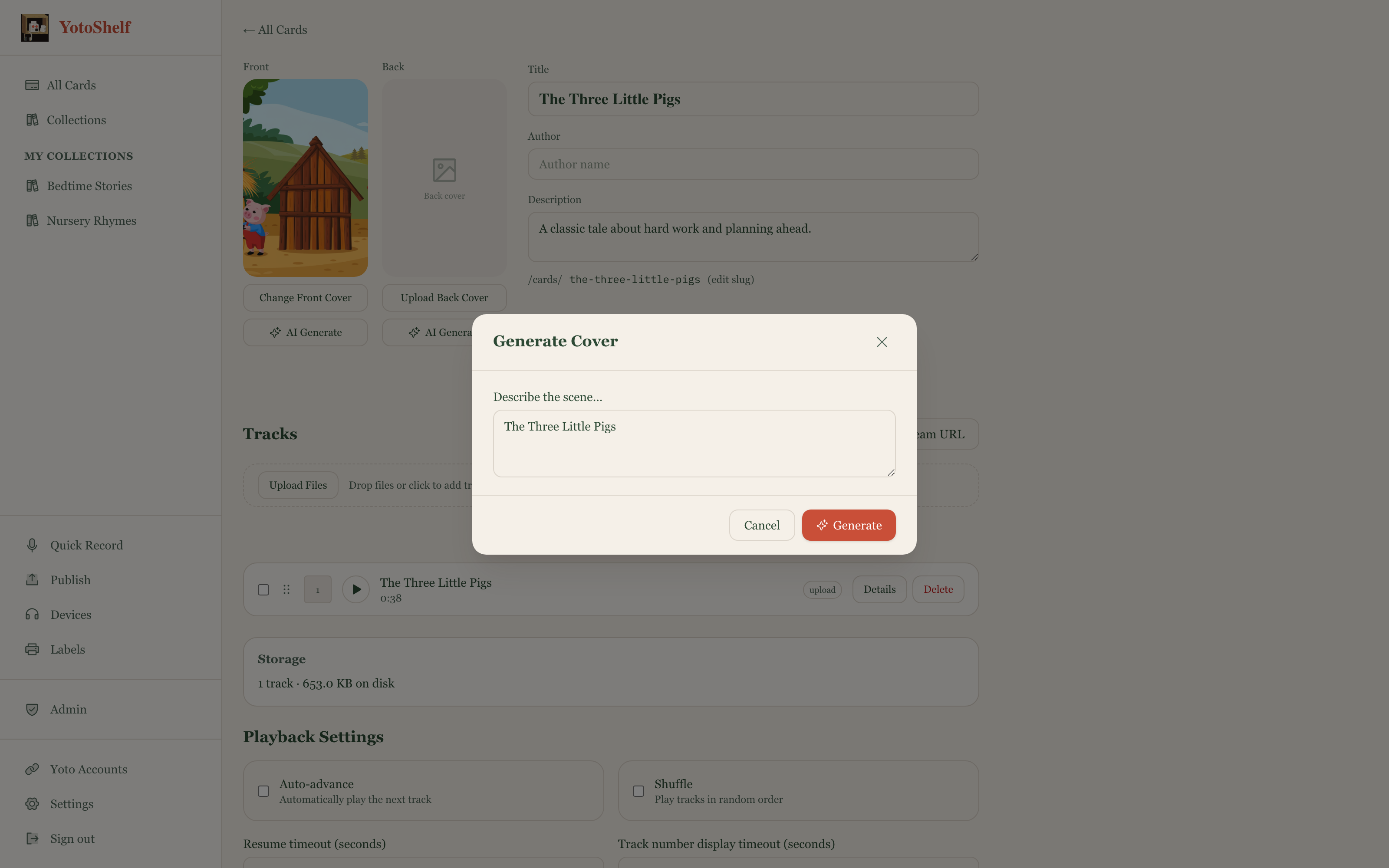
Let AI write a personalized story from a per-child profile, generate a cover image, and create a pixel icon for each track.
3
Arrange tracks
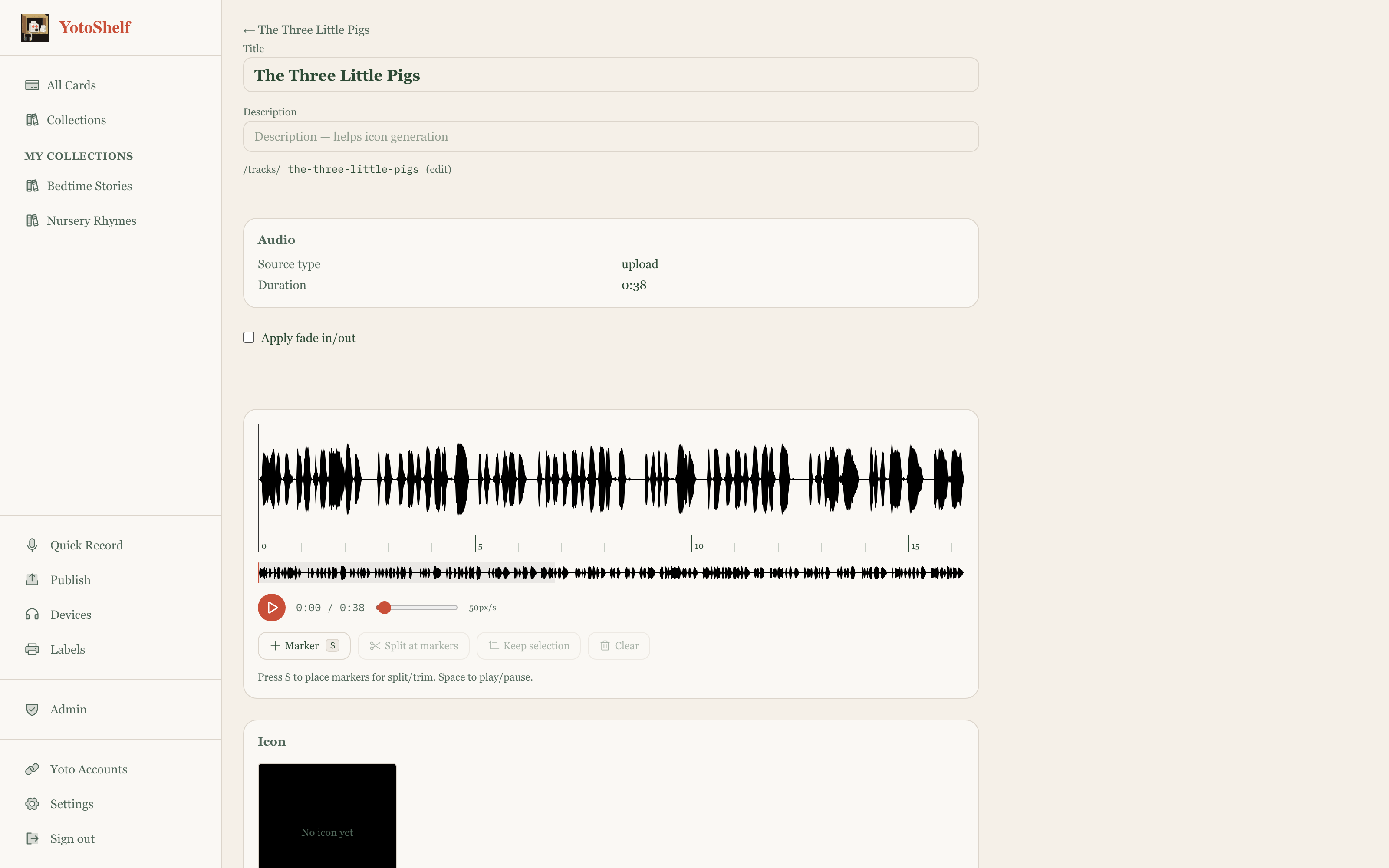
Reorder chapters, trim waveforms, set per-track icons, and preview the full card before it leaves your shelf.
4
Publish to every account
Select which Yoto accounts should receive the card and hit publish. One action, every family member's account updated at once.
What YotoShelf gives you
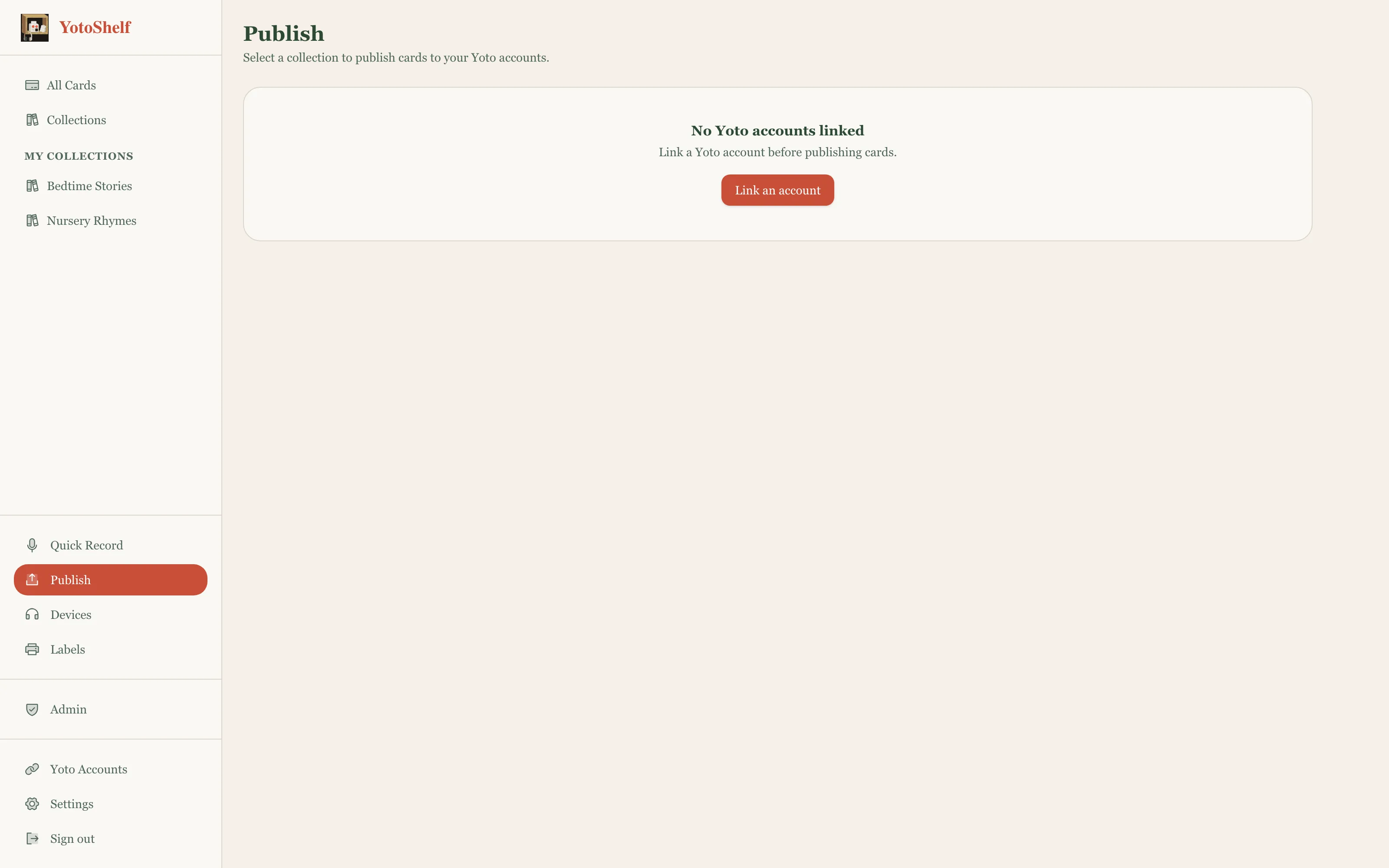
One publish, every account
Link as many Yoto accounts as your family has. The publish matrix lets you pick which cards go to which accounts. One action pushes everything at once.
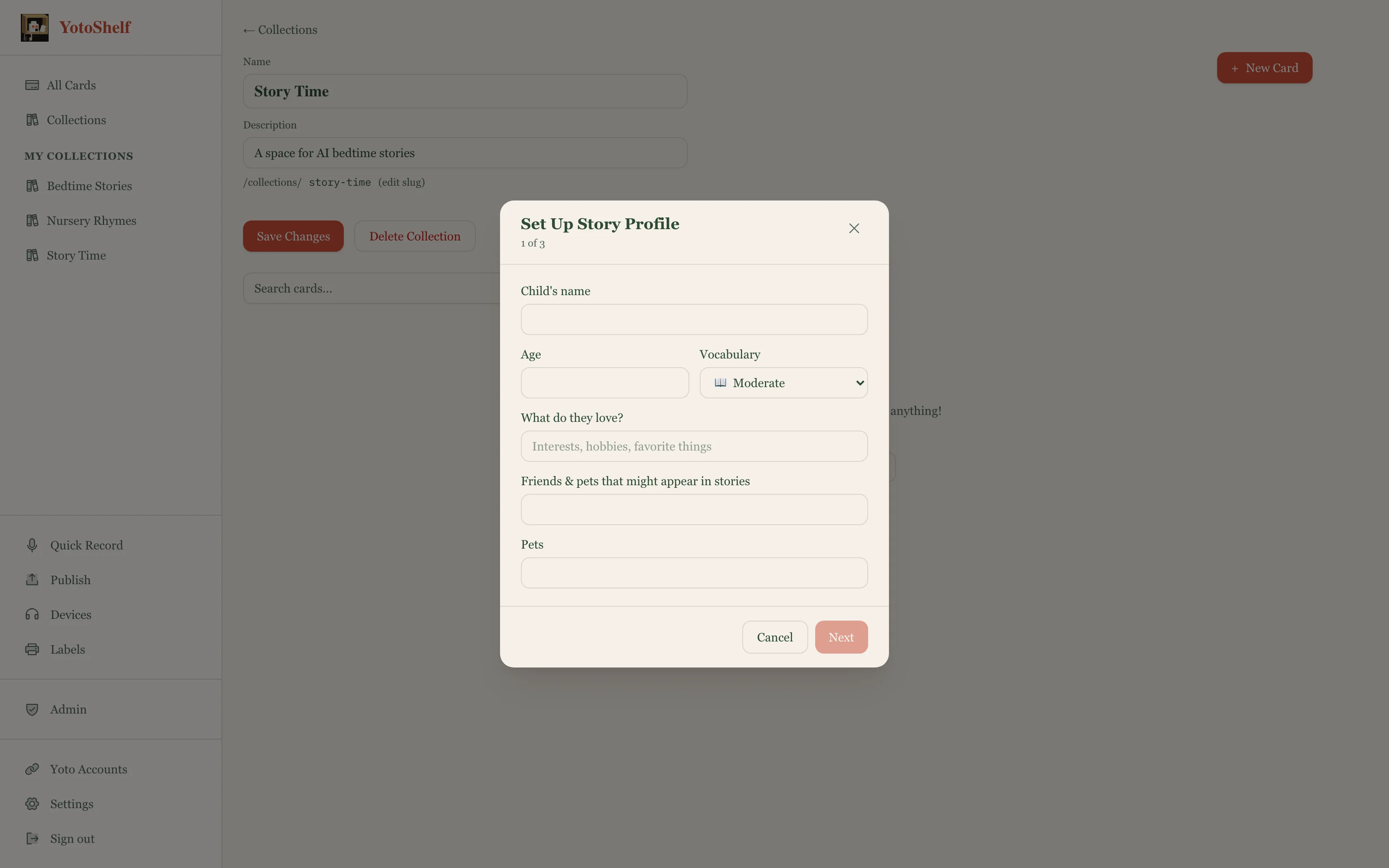
A full card from a child's profile
Set up a profile for each child: name, age, interests, themes to avoid. Hit "Quick Story" and YotoShelf writes, narrates, and illustrates a complete card in one go.
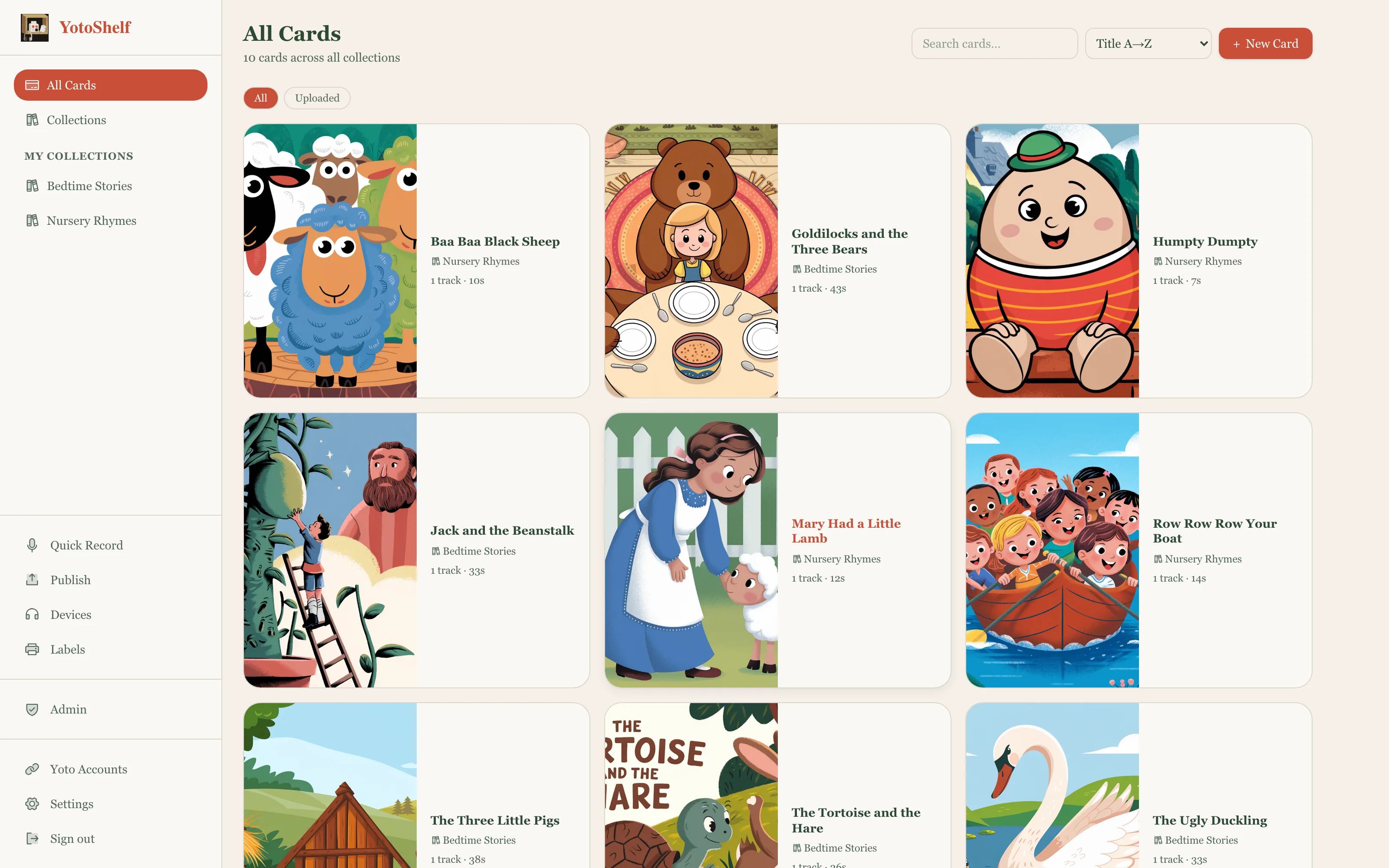
A library you can actually manage
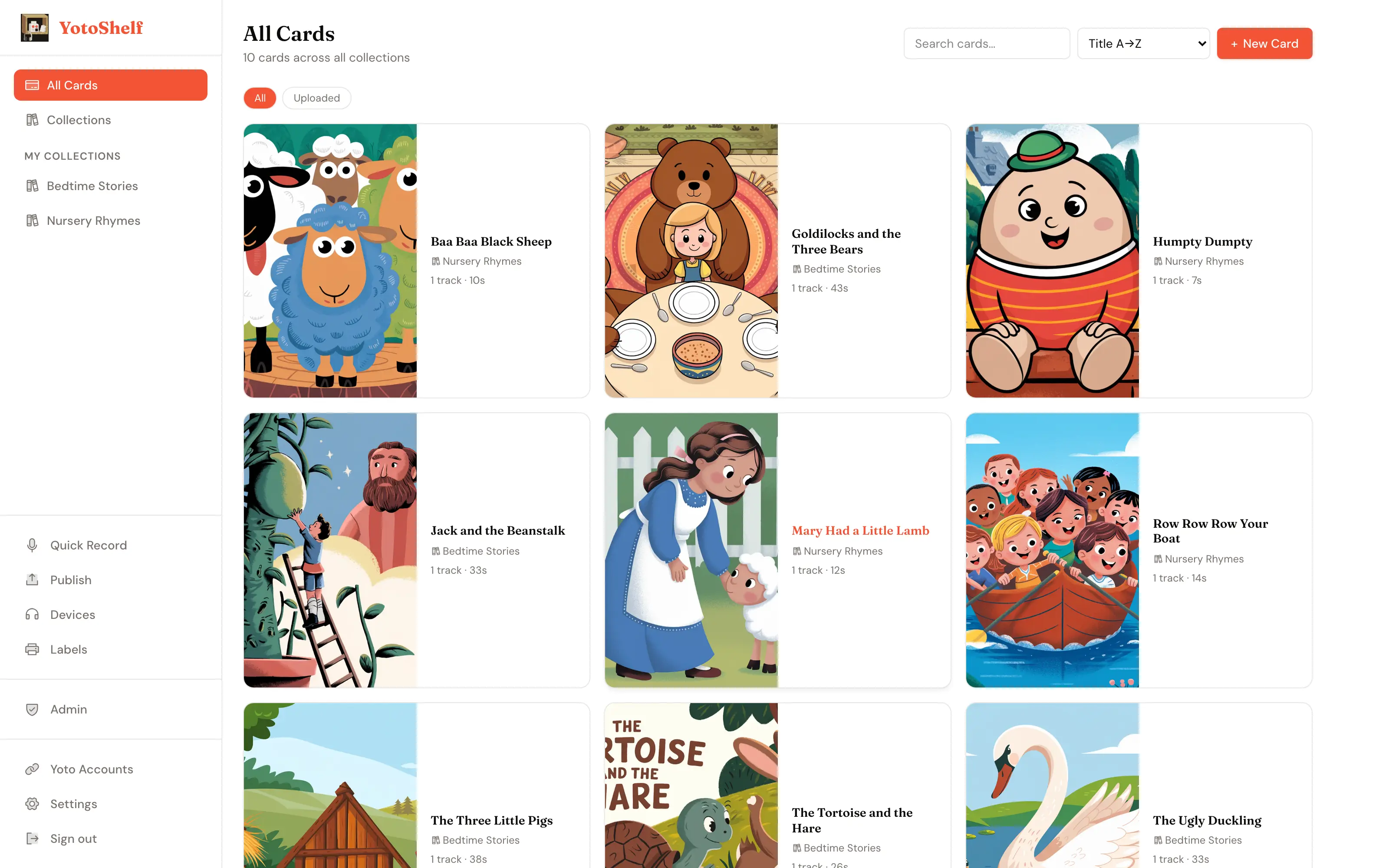
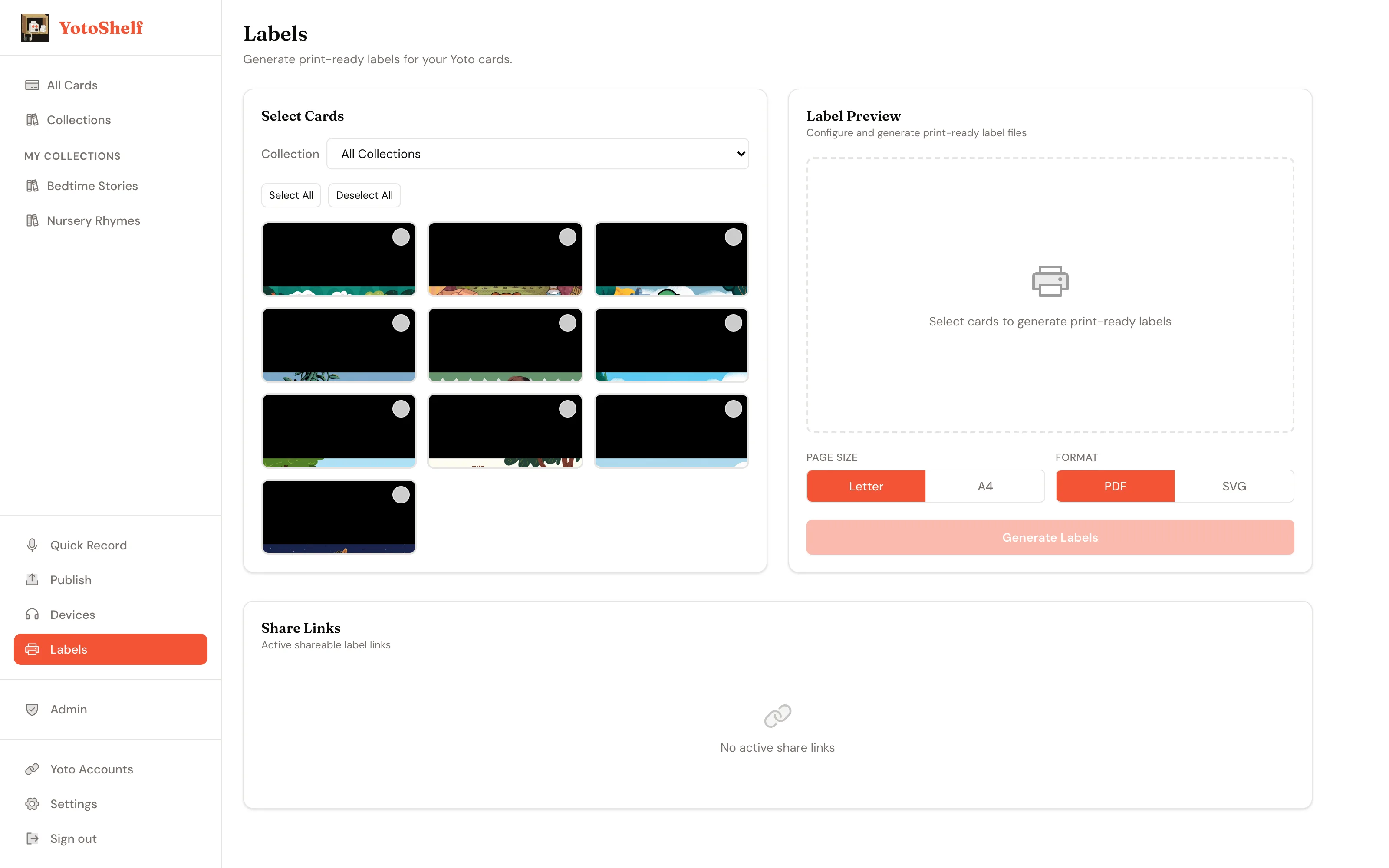
Search, sort, and filter your entire Make Your Own collection. Group cards into collections for different kids, series, or themes. Print labels for any card.
A new bedtime story every day, automatically
Every ingredient is already built: the story pipeline, the per-child profiles, the multi-account delivery. The daily scheduler is the last piece. Plus multi-voice TTS, bulk library tools, and a deep story-context system that lets each card know which child it belongs to and what they have already heard.
See the full roadmapCurious how it's built? Architecture →